

Inventory Settings
Consistent Inventory Defaults and Document Control
Set pricing, tax behaviour, and document presentation for inventory transactions.
What This Module Covers
Default selling and purchase pricing, default tax application, structured transaction remarks, and document note controls for inventory-related documents.
Default Pricing & Tax
Inventory items can carry predefined selling and purchase prices, ensuring consistent values across transactions. Default tax codes can also be applied, reducing manual selection and maintaining uniform tax treatment.

Transaction Remarks & Notes
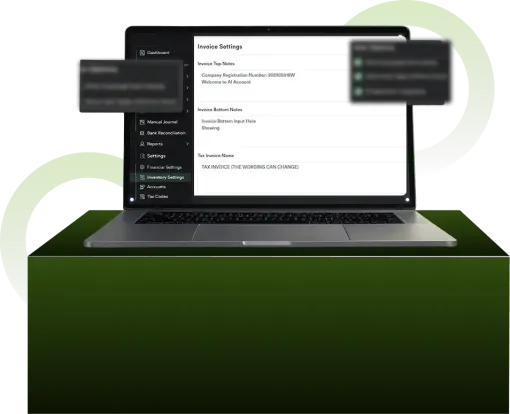
Reusable remarks can be predefined for purchase orders, bills, quotes, and sales. Top notes, bottom notes, and header notes support structured document presentation, including branding elements and formatted content.

Document Consistency
Inventory invoices and related documents reflect configured pricing, tax defaults, remarks, and notes — ensuring operational clarity and consistent PDF output.

Understand How Sales Documents Connect to Financial Records
Sales documents are structured to flow directly into accounting reports and financial summaries.

Structured Inventory. Clean Documentation.
Maintain consistency across pricing, tax, and presentation.
Frequently Asked Questions
Can I set default prices for inventory items?
Yes. Selling and purchase prices can be predefined and automatically populated in transactions.
Can the default tax be applied to inventory sales?
Yes. Default tax codes can be assigned to ensure consistent tax handling.
Can inventory documents include custom notes and branding?
Yes. Top, bottom, and header notes can be configured for structured document output.
