
Automate Bank Matching and Reconciliation
Upload bank statements and let the system match, reconcile, and handle exceptions accurately.
What Bank Automation does
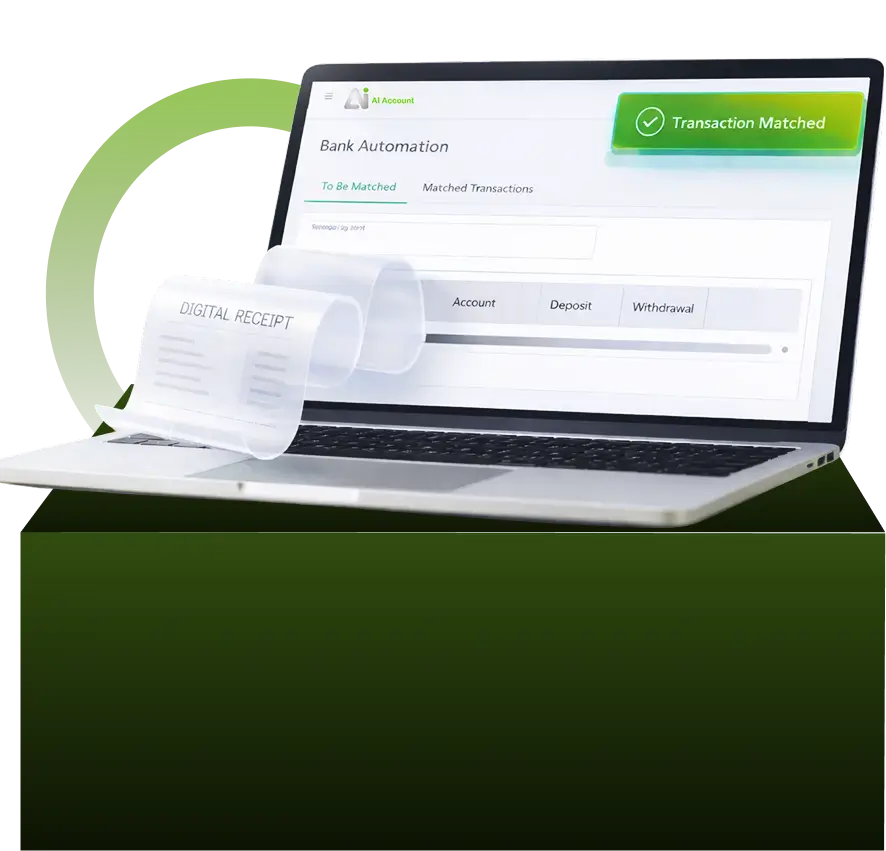
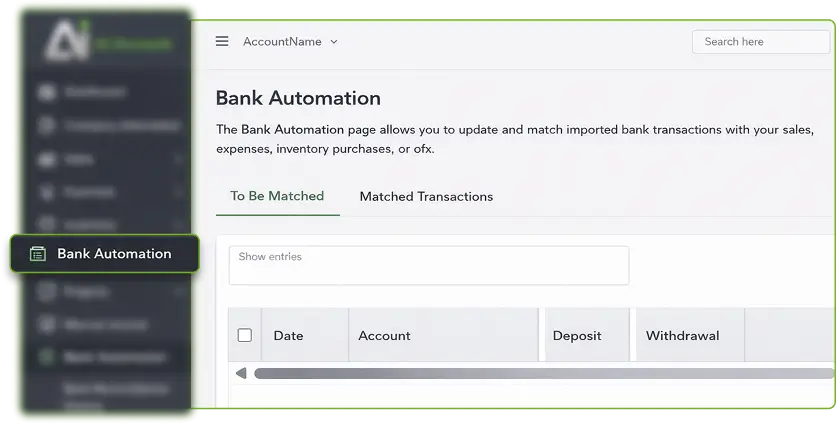
Bank Automation allows you to import bank statements and let the system automatically match and reconcile transactions instead of manually recording each bank entry.
What Bank Automation Covers:
- Upload bank statements using a CSV template
- Match bank transactions to existing receipts or payments
- Match bank transactions to outstanding invoices or bills
- Create new receipts or manual journals directly from bank lines
- Reconcile bank statements automatically
- Review and resolve unmatched or exception transactions
Auto-Matching of Bank Transactions
Once a bank statement is uploaded, the system automatically processes each line and attempts to
You can:
- Find existing receipts or payments with matching amounts and dates
- Identify related outstanding invoices or bills
- Populate receipt or payment details when creating new entries
Matched transactions can be confirmed and moved to the Matched Transactions list. If a match is incorrect, it can be changed, unmatched, or adjusted before confirmation.
Auto-Reconciliation
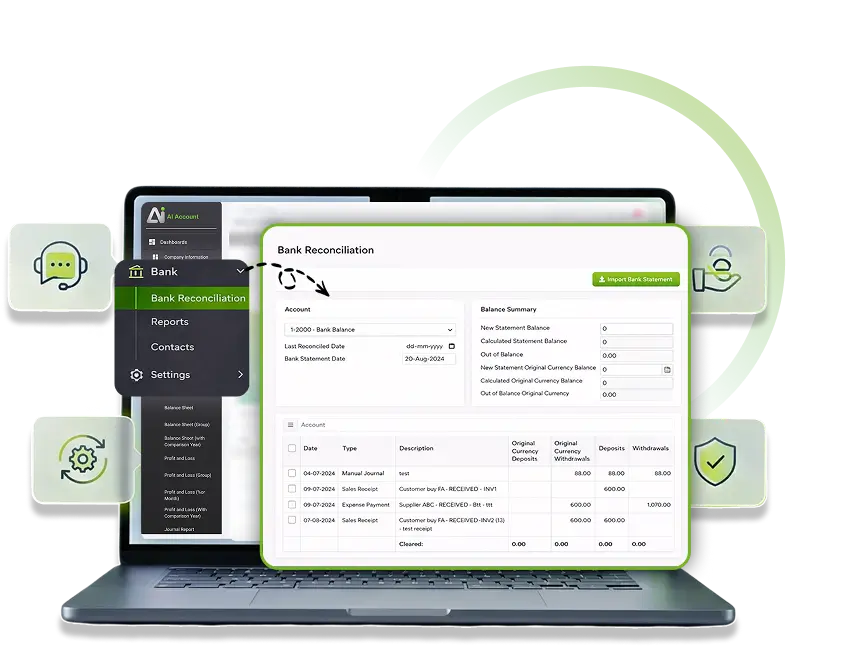
Bank Reconciliation Automation allows you to reconcile bank statements automatically after transactions are recorded.
The system:
- Imports bank statements in CSV format
- Matches and ticks corresponding entries automatically
- Supports reconciliation for home and foreign currency bank accounts
- Allows saving partial reconciliation work and continuing later
Before finalising, you can export a Bank Reconciliation Report to review reconciled and unreconciled items. Once verified, reconciliation can be completed and recorded in the system.
Exception Handling and Controls
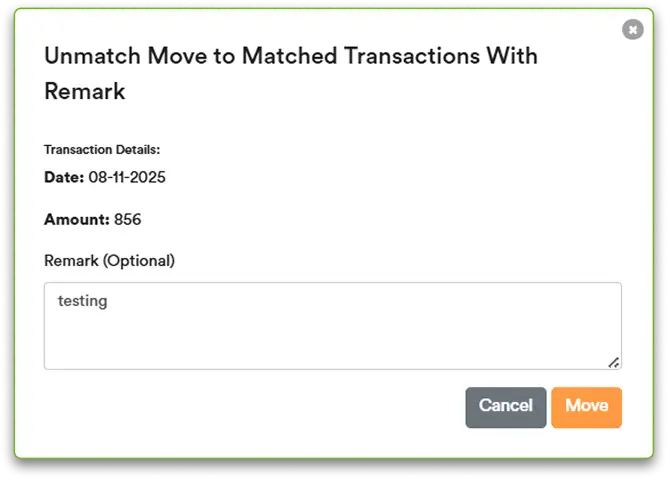
For transactions that cannot be matched automatically, the system provides controlled exception handling.
This includes:
- Marking transactions as unmatched with remarks
- Creating new manual journals for bank charges
- Linking bank charges to existing manual journals
- Undoing the last reconciliation if changes are required
- Editing past reconciliations through reconciliation history
Any changes to bank-related transactions automatically update reconciliation records, ensuring balances remain accurate and traceable.
Understand How Bank Transactions Flow Through the System
Bank Automation works together with transaction entry and reconciliation to keep cash records accurate and complete.

From Bank Statement to Reconciled Balance
Upload once. Let the system handle matching and reconciliation.
Frequently Asked Questions
Do I need to manually record every bank transaction?
No. You import the bank statement, and the system helps match and create the required entries.
Can unmatched transactions be handled later?
Yes. You can save work in progress, add remarks, or adjust matches before finalising.
How are bank charges handled?
Bank charges can be posted by creating or linking manual journal entries directly from the bank statement.
Can reconciliations be edited or undone?
Yes. You can undo the latest reconciliation or edit past reconciliations through reconciliation history.
Does the system support foreign currency bank accounts?
Yes. Bank reconciliation supports both home and foreign currency accounts.