

User & Role Management
Controlled Access Across Your Accounting System
Manage users, define permission roles, and monitor activity with structured access control.
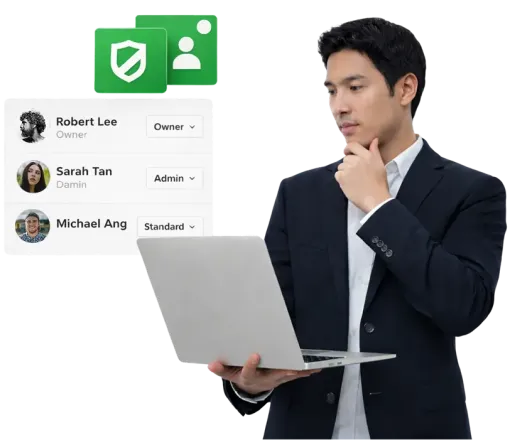
What This Module Covers
User creation, predefined and custom permission roles, restricted access levels, invitation management, and user activity logs.
User Access Control
Users can be added with defined permission levels to control system access. Access can range from full administrative rights to sales-only, expenses-only, or read-only visibility. This ensures staff members have access only to the areas relevant to their responsibilities.

Custom Roles & Permission Levels
Custom permission roles can be created to reflect organisational structure. Access rights can be tailored to grant full access, restricted access, or viewing rights only. These roles can then be assigned when creating new users.

User Activity Logs
User activity can be monitored through structured logs. Access to logs can be restricted based on role permissions, allowing either self-view access or visibility across all users for authorised roles.

Understand How User Roles Affect System Control
Access permissions shape how transactions, reports, and settings are managed across the system.

Structured Access. Clear Accountability.
Define roles, assign permissions, and maintain oversight with confidence.
Frequently Asked Questions
Can I add multiple users to the same account?
Yes. Multiple users can be added and assigned different permission levels based on their responsibilities.
What access levels are available?
Predefined levels include full access, sales-only access, expenses-only access, and read-only access.
Can I create custom permission roles?
Yes. Custom roles can be created with tailored access rights to match your organisational needs.
Can users be restricted from editing data?
Yes. Read-only permissions allow users to view records without making modifications.
Is user activity tracked?
Yes. User logs provide visibility into system activity for authorised roles.
Can log access be restricted?
Yes. Log visibility can be limited to viewing personal activity or extended to viewing all users, depending on assigned role permissions.
